Open source, MIT licensed
Embedded wallets your users own
Login, wallets and signing behind a few React hooks, on your own infrastructure. Your server never holds a key that can sign.
A provider and two hooks
That is the whole integration. Run it locally first, with no account and no signatures spent.
pnpm install
pnpm --filter @pockey/api devimport { PockeyProvider, usePockey, useWallet } from '@pockey/react';
function App() {
return (
<PockeyProvider appId="pk_app_...">
<Profile />
</PockeyProvider>
);
}
function Profile() {
const { authenticated, login } = usePockey();
const { evm } = useWallet();
if (!authenticated) return <button onClick={login}>Log in</button>;
return <p>{evm?.address}</p>;
}The same screen, wearing your brand
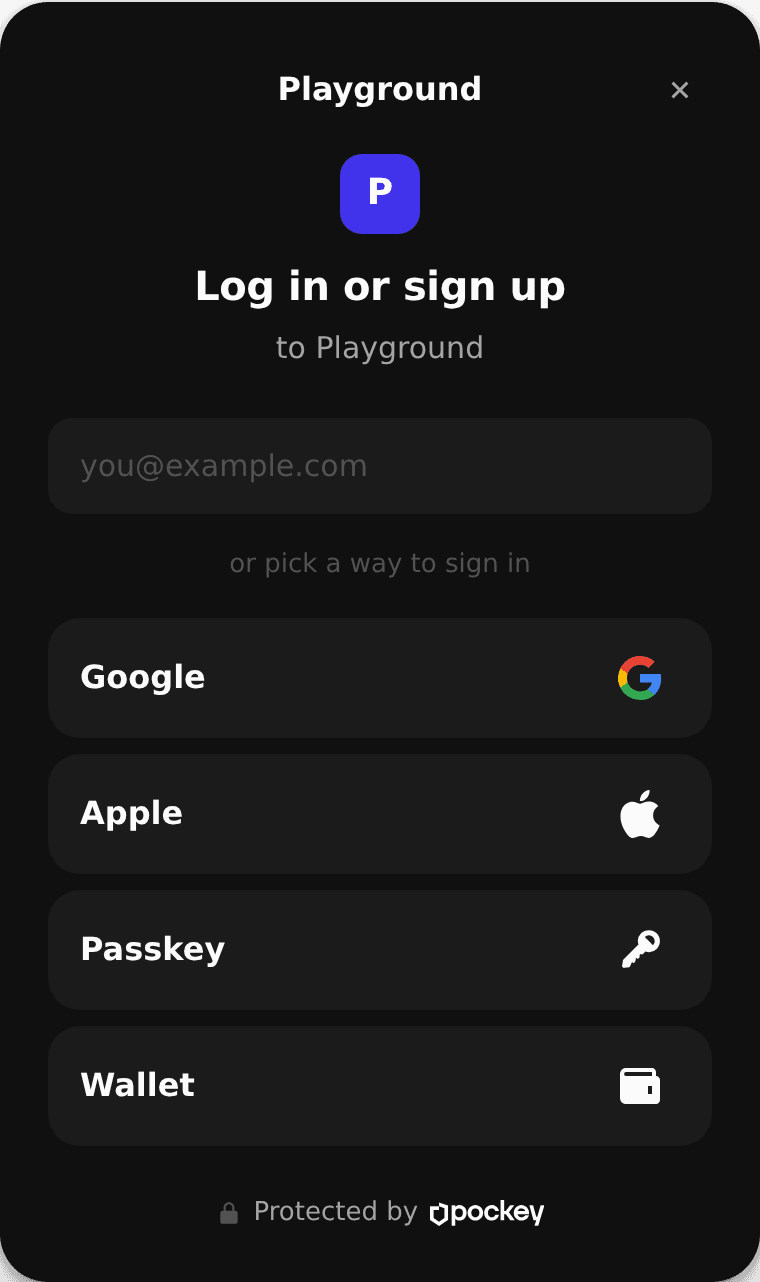
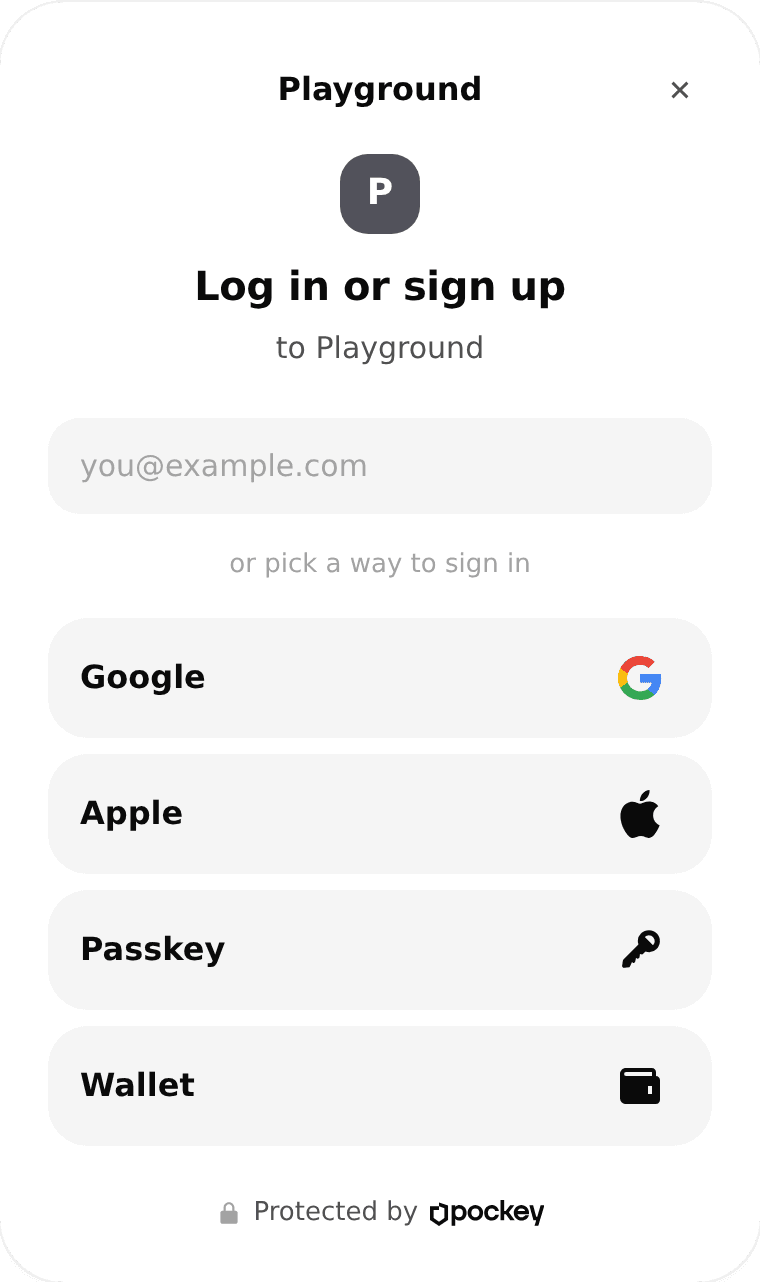
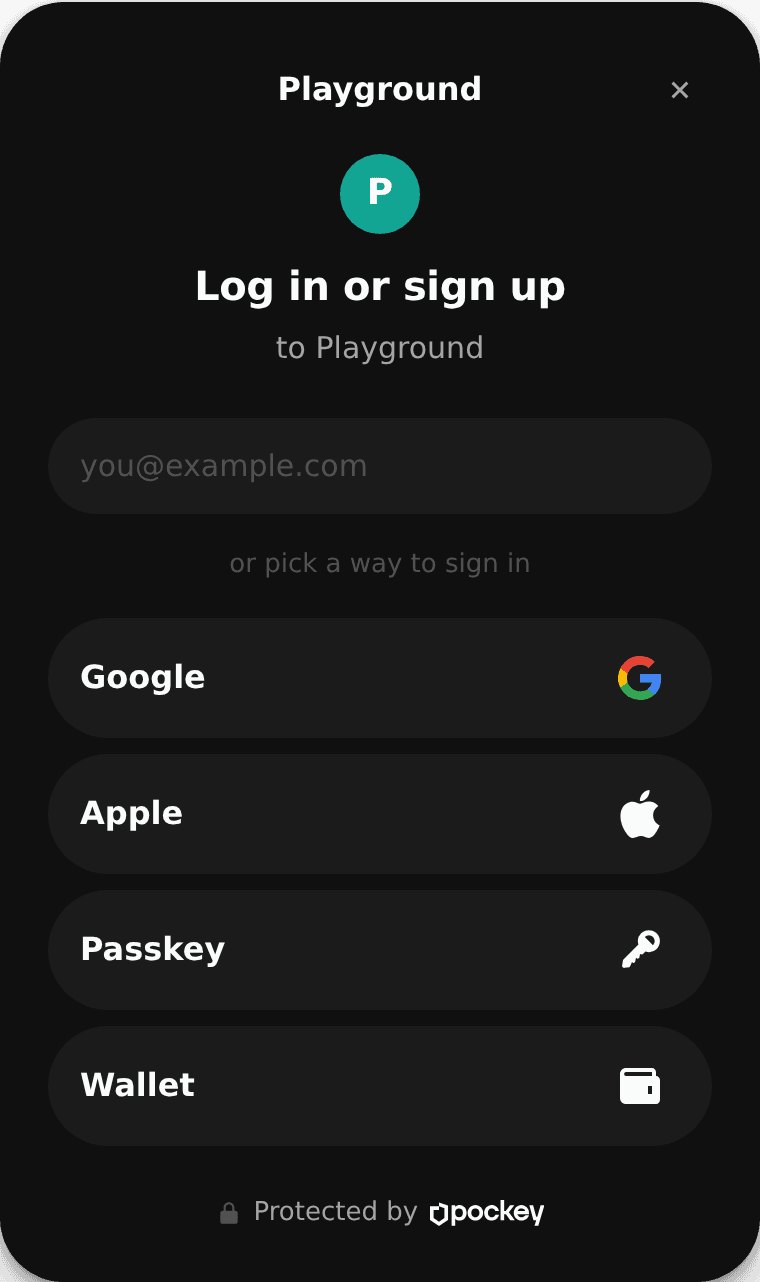
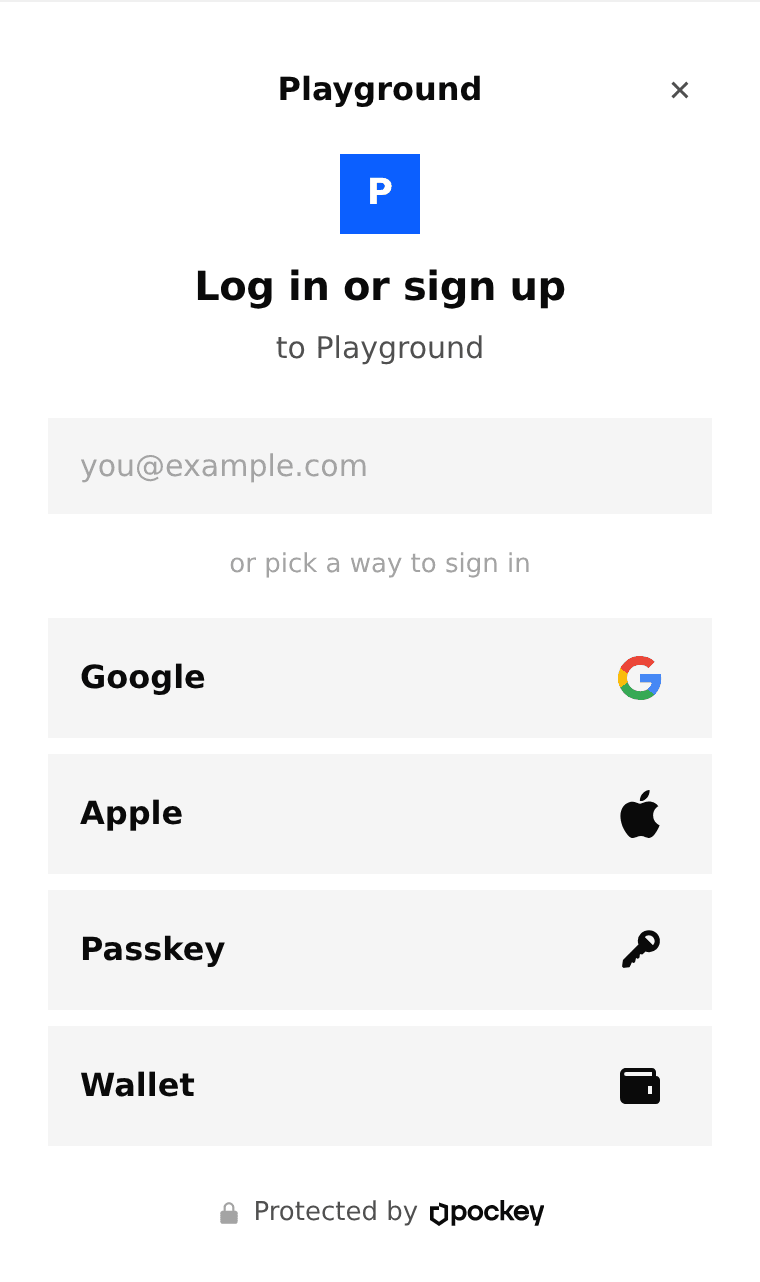
Theme, accent, corners, font and logo. Set once on the app, or sent with a single login.
Everything a wallet needs
Six ways in
Email code, Google, Apple, passkeys, or an existing wallet.
A wallet on first login
One EVM and one Solana account per user, from day one.
Sessions with limits
Chains, contracts, amounts and expiry, enforced outside your server.
Gas sponsoring
A Solana fee payer and ERC-4337, for empty wallets.
Export, for real
Users can take their private key out, in their browser.
Signing the user sees
A screen the host page cannot forge or skip.
Your server cannot sign
Keys live in a sub-organization whose only root user is the end user. Checked against a production organization, where your key is refused.
The parent key
Held by Your API
Creates one sub-organization per user and runs logins. It cannot sign or export inside one.
The session key
Held by The browser
Stamps every request the user makes, and never leaves the browser.
The signer key
Held by Your API
Acts inside a policy the user created, and never outlives it.
Host it yourself
A Worker, a database, an iframe on its own domain and the dashboard. You own the keys and the bill, with nobody in the middle.
Deployment guide
Questions
Short answers here, the long ones in the docs, and the real one in the source.
Read the docsNo. Keys live at Turnkey in a sub-organization whose only root user is your end user, and your API key is refused inside it. That refusal is tested against the live API, not taken on trust.
No. An email code is enough, and the wallet exists from the first login. An existing wallet is one of the six ways in, not a requirement.
They export their private key in their own browser and take it anywhere. Nothing in that path asks your server for permission.
Turnkey per signature, Cloudflare for a Worker and a database, your email and RPC providers. Nothing for Pockey.
Read it before you trust it
Nothing to sign up for. The default setup runs on an in-memory key provider.
git clone https://github.com/sairalabs/pockey